- Published on
Hong Kong Public WiFi VPN Guide: MTR, Airport, Hotel 2026
- Authors

- Name
- VPN Mall Editorial Team
This article contains affiliate links. If you buy through them, VPN Mall may earn a commission at no extra cost to you, and it does not affect how we evaluate services.
Featured service: Surfshark
Limited-time dealEnds 12/01 · D-34
You land at Hong Kong airport and the first thing you do is switch your phone on. Before you've even found your bags, you're hunting for WiFi. Every traveller does it.
At the HKIA arrivals hall, in an MTR carriage, outside a shopping mall restroom in Tsim Sha Tsui, a friendly "free WiFi" line pops up. If you didn't buy a local data plan, it's worse. Maps, translation and WhatsApp replies all lean on one shared network until you reach the hotel.
So here's a question. Have you ever really thought about Hong Kong public WiFi and VPN use together? Connecting feels harmless. Yet Evil Twin fake access points and packet sniffing can be waiting right next to you.
This guide explains why the topic matters, which spots deserve extra care (HKIA, MTR, Starbucks-style cafes, Tsim Sha Tsui malls, hotel business WiFi), what Hong Kong's rules and official advice actually say, and what to switch on before you fly. Read it once before departure and the moment you join a network gets a lot easier.
Table of Contents
- Why is Hong Kong public WiFi risky?
- HKIA, MTR, cafes and Tsim Sha Tsui: where travellers lean on free WiFi
- Evil Twin: a fake access point placed next to the real one
- Packet sniffing and the weak encryption of hotel business WiFi
- Four hacking tricks travellers actually face in Hong Kong
- 1. The Evil Twin attack: joining the fake network first
- 2. Packet sniffing: someone nearby is listening
- 3. Session theft: once one account falls, others follow
- 4. QR codes and text-message scams
- What do Hong Kong's rules and official advice say?
- PDPO Principle 4: who owes the security duty?
- OGCIO Wi-Fi.HK: an official name still needs checking
- After the National Security Law: network logs and messengers
- Hong Kong public WiFi VPN comparison: Surfshark, NordVPN, ExpressVPN
- Your pre-flight Hong Kong public WiFi VPN checklist
- Step 1: before boarding, tidy your apps and accounts
- Step 2: the five-minute habit at HKIA and the MTR
- Step 3: before using a company account on hotel business WiFi
- A quick habit table
- What this guide can and can't tell you
- Frequently Asked Questions (FAQ)
- Is Hong Kong public WiFi safe if it has a password?
- Can I still use hotel business WiFi?
- Will a VPN slow me down in Hong Kong?
- Can a free VPN replace a paid one on Hong Kong public WiFi?
- Is using a VPN a legal problem in Hong Kong?
- Final thoughts: switch it on before you leave
Why is Hong Kong public WiFi risky?
Hong Kong has good free WiFi coverage. That's exactly why travellers tend to think, "It's Hong Kong, it'll be fine." And that's partly true. Official hotspots with a managing body are convenient, and open access without a password is the usual setup.
The catch sits on the other side of that convenience. A network that anyone can join also means you can't control who is sitting next to you.
Here's an everyday comparison. Hong Kong public WiFi is like a hotel breakfast buffet. There's no queue and plenty of choice, but the person beside you can glance at your plate. Even in a good hotel, the structure of a buffet works that way. Mix in one person with bad intentions and it's over right there.
HKIA, MTR, cafes and Tsim Sha Tsui: where travellers lean on free WiFi
According to planning research gathered on 2026-09-19, Hong Kong travellers rely heavily on free WiFi along these routes:
- Hong Kong International Airport (HKIA): right after landing and just before departure
- MTR: short connections that join and drop while you travel between stations
- Cafes such as Starbucks: you pay with time instead of a bigger coffee bill
- Tsim Sha Tsui malls: shopping, payment and review searches all happen at once
That research is a snapshot, so treat it as a pattern rather than a hard statistic. It matches how people really move, though. Airport to subway, subway to mall, cafe to hotel. Free WiFi sticks to every step of that chain.
Evil Twin: a fake access point placed next to the real one
Evil Twin sounds abstract until you picture it. An attacker puts up a second access point right beside a real one, such as a genuine Starbucks network, and gives it a nearly identical name. On your phone it can look like "Starbucks" or "HK Airport Free" in the same way as the real thing.
It becomes a contest of whichever signal is stronger. A traveller can't realistically tell the two apart by eye every single time.
Think of two shops on the same street with identical signs. The moment you walk into the wrong one, your address and password go to the first shop's owner.
Packet sniffing and the weak encryption of hotel business WiFi
Packet sniffing means grabbing the pieces of data that pass over a shared connection and reading them. The planning notes list sniffing cases alongside Evil Twin as local Hong Kong risks.
They also note that the "business WiFi" in some Hong Kong hotel lounges has lower encryption than you'd expect. Some people trust the hotel name and go straight into their company VPN from a laptop. That seat can be the loosest connection you'll touch all trip.
| Where you connect | Common network name | Main risk | Typical traveller mistake |
|---|---|---|---|
| HKIA airport | HKIA Free WiFi and similar | Relaxed guard right after landing, many apps logging in at once | Using bank and airline apps over shared WiFi with no SIM |
| MTR carriage | MTR Free WiFi and similar | Short stays, fast connect and drop cycles | Joining a fake name because you can't tell the difference |
| Cafe (Starbucks-style) | In-store WiFi | Shared password, long stays | Carrying on into work logins on a laptop |
| Tsim Sha Tsui mall | Mall free WiFi | Payments, reviews and maps mixed on one network | Finishing a checkout page on the shared line |
| Hotel business WiFi | Business WiFi and similar | Low encryption level (per planning research) | Leaving company and one-time-code logins open in the lounge |
Four hacking tricks travellers actually face in Hong Kong
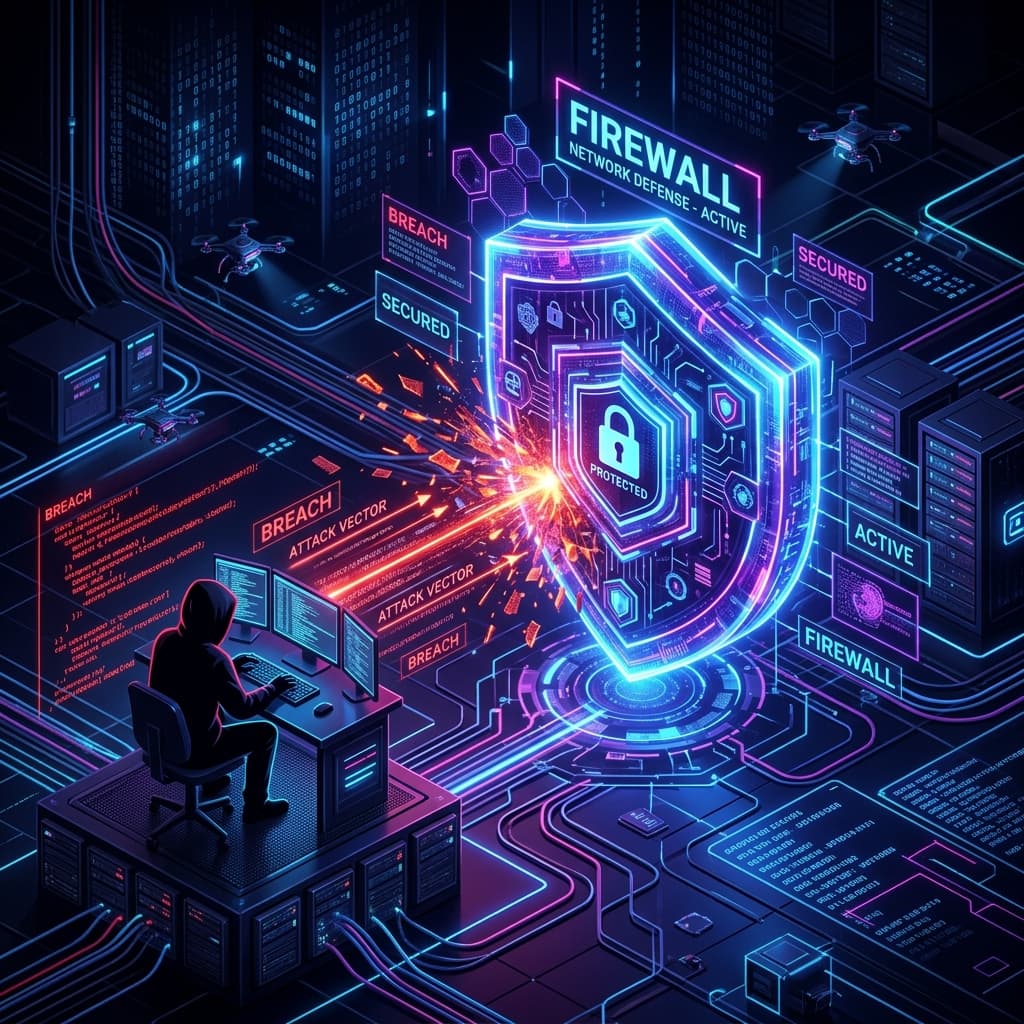
The reason you'd pack a VPN becomes obvious once you look at the tricks one by one. All four attach to the routes above, so here they are in turn.
1. The Evil Twin attack: joining the fake network first
The attacker switches on a lookalike network next to the real hotspot and waits for you to pick "the strongest one." Once you join the fake, traces from the first moments of the connection, DNS lookups and the values you type into a login page can flow to the other side.
Picture two ATMs with the same signage. One belongs to the real bank. The other leaks your card details the moment you insert it. You can't tell by looking.
In a city dense with hotspots the list of network names gets long. That makes the difference even harder to spot.
2. Packet sniffing: someone nearby is listening
Sniffing reads the data fragments passing through a shared line. Where encryption is loose, traffic is easier to pick apart.
You might say, "But it's HTTPS." True, HTTPS is the default these days. Still, the opening traces of a connection, DNS requests and older sites with weak encryption remain gaps.
And listening isn't the only play. Some attackers put up a page that looks like the one you're trying to reach and get you to type your password yourself. A short MTR connection that joins and drops, or a mall moment where you open many apps at once, is where such an attempt lands.
3. Session theft: once one account falls, others follow
Session theft is scary for a simple reason. You don't need to know the password if you steal the login token. From then on, the thief can act as you.
Open your video app, a shopping account and your saved map places on hotel business WiFi and all those tokens line up on one wire. If one account is breached, anything tied to the same email can wobble in a chain.
The riskiest moment may be your first night in Hong Kong, when you're on hotel WiFi and think, "I'll just keep watching where I left off."
4. QR codes and text-message scams
Night markets, sightseeing spots and airports are full of QR coupons, QR WiFi sign-ins and scam texts. The core problem is that nobody reads the address. You raise the camera and it's done, so the chance to check for a phishing page disappears.
These signals are enough to raise suspicion:
- A coupon or prize that sounds too good
- A QR code that only leads to a shortened URL
- A strange window asking for a WiFi password
- A domain one letter away from the real one
- An unauthorised notice sticker near an MTR gate
So what do Hong Kong's rules and official guidance say about shared WiFi?
What do Hong Kong's rules and official advice say?
You get the convenience, and you also carry the weight. Here is what Hong Kong's framework and official guidance say about public WiFi, picked for a traveller's point of view.
PDPO Principle 4: who owes the security duty?
Hong Kong's Personal Data (Privacy) Ordinance (PDPO) is built on a set of principles. Principle 4 says that whoever holds personal data should take suitable security steps.
Back to the buffet. It's the rule that the buffet owner should cover the plates. But the duty points mostly at companies and institutions. The authorities don't take over for you when the person beside you uses a tool.
So "there's a law, so I'm fine" is a risky thought. In the end you're the one who taps the connect button. The habit of switching on a VPN on your own device before you connect grows out of the gap in that principle.
OGCIO Wi-Fi.HK: an official name still needs checking
The government's digital office, OGCIO, is known to run public WiFi guidance under the name Wi-Fi.HK. Network names in the official notices tend to be tidy.
The trouble is what sits beside them. If someone sets up a fake access point with a similar-feeling name, the two look nearly the same on a phone screen. Matching every network name against the paper sign in a hotel lobby is unrealistic on a tight itinerary.
When checking is hard, encrypting the connection itself is the practical answer. Instead of a war of name matching, you flip one switch before you connect.
After the National Security Law: network logs and messengers
Since the Hong Kong National Security Law came into effect in 2020, how long and how widely public network logs are kept has been an ongoing topic of discussion. There are no confirmed official figures for the retention period or scope, so this guide doesn't state any.
For a traveller, one practical message remains. "It's only shared WiFi, so careless use is fine" is a risky assumption. Leaving accounts open for hours on a line whose logging you can't judge is why that habit gets a poor review.
On the other side, messengers such as WhatsApp, Telegram and Signal are widely used in Hong Kong, as the planning notes say. Conversations with friends and family are less exposed thanks to app-level encryption. The problem is what you leave switched on beside them: shopping accounts, video accounts and bank alerts. Park all your sign-ins on one line and when one wobbles, the whole row moves.
Hong Kong public WiFi VPN comparison: Surfshark, NordVPN, ExpressVPN
Which VPN should you pack before you leave? Here's a single table. It isn't a numbers contest. It's a way to choose based on how you really connect on shared WiFi. For prices and server counts, check each provider's official page.
| Service | Role in this guide | Shared WiFi pointer | Check it |
|---|---|---|---|
| Surfshark | Main recommended candidate | Leave it on through short hops between airport, MTR and cafes | Check Surfshark |
| NordVPN | Laptop users who want balance of stability and speed | Connect before opening work accounts on hotel business WiFi | Check NordVPN |
| ExpressVPN | First-time VPN users who need less setup | Set it up on day one at the hotel and later connections get easy | Check ExpressVPN |
The difference between the three is quicker to see by how long and where you stay connected than by a feature list.
- Short, repeating hops such as airport and MTR: the one that's easiest to leave switched on wins.
- Laptop work in a hotel: an interface that lets you see the connection state at a glance helps.
- If it's your first VPN: a complicated settings screen means you simply won't turn it on. That's reality.
For a wider comparison, see our 2026 VPN ranking. If you want to go on to browser extensions or router setup, the VPN setup walkthrough is a useful companion.
If you're curious, open the pricing table first. The gap between billing periods is bigger than most people expect.
Your pre-flight Hong Kong public WiFi VPN checklist
If you've read this far, only the doing is left. You won't have time at the airport to stare at a list of network names, so here's what to switch on before you leave, in order.
Step 1: before boarding, tidy your apps and accounts
- Install the VPN app and finish logging in. Many people fail when they try to install over in-flight WiFi. Installing after you reach the hotel is where the trouble starts.
- Turn on two-factor authentication (2FA). Start with bank, email and airline apps. Even if a session is stolen, a password alone won't get anyone in.
- Turn on the auto-connect and start-on-launch options. The habit of switching it on by hand each time often breaks on the first evening.
- Keep an emergency backup. In case a network blocks VPN traffic, it's safer to keep a little data roaming in reserve.
Step 2: the five-minute habit at HKIA and the MTR
When you step off the plane, a welcome WiFi name appears. Those five minutes are the loosest part of the day.
- Choose only the names printed on signs and notices from the list.
- Don't touch lookalike names, for example ones with a number tacked on the end.
- Turn the VPN on before you press connect.
- Even after connecting, keep bank and airline apps on mobile data.
- On the MTR, don't turn a short stay into a chance to do laptop work.
It's like checking a metro map. You open the map app before you ask for directions. That tiny moment is exactly when a fake access point is waiting.
Step 3: before using a company account on hotel business WiFi
The planning research noted that some Hong Kong hotel business WiFi has lower encryption than expected. In such a place, habitually opening video, shopping and company accounts all at once is the riskiest mix.
- Connect the VPN before opening company or bank accounts.
- As a rule, don't use shared lounge computers.
- Log out of open sessions before checkout.
- When you step away from your laptop, lock the screen first.

A quick habit table
| Moment | What to do | Why |
|---|---|---|
| Before the flight | Install, log in, enable 2FA, enable auto-connect | You won't be fighting an app store at the gate |
| Landing at HKIA | VPN first, then join only the signposted name | Fake lookalike networks are most likely here |
| On the MTR | Keep it to light tasks, VPN on | Connections join and drop, so auto-connect matters |
| In a cafe | Never log into work accounts without the VPN | Long stays and a shared password raise exposure |
| Hotel lounge | VPN first, log out before checkout | Encryption may be lower than you'd expect |
What this guide can and can't tell you
Some parts of the Hong Kong picture are solid, and some aren't. It helps to know which is which before you plan around them.
The attack types are well defined. Evil Twin access points, packet sniffing, session theft and QR scams are all methods that can be carried out wherever people share a network. Nothing about them is unique to Hong Kong, but the density of hotspots and the habit of leaning on free WiFi right after landing make them easy to run there.
The local numbers are softer. The route-by-route reliance on free WiFi comes from planning research gathered on 2026-09-19, so read it as a pattern. The retention period and scope of public network logs after the National Security Law have no confirmed official figures, so none are given here. The details of PDPO and the Wi-Fi.HK guidance are summarised from a traveller's point of view only. Prices and server counts for each VPN aren't quoted at all, because they change. Check them on the provider pages.
| Topic | How firm is it? | What to do |
|---|---|---|
| Evil Twin, sniffing, session theft | Well-known methods | Treat every open network as shared |
| Free WiFi reliance on the HKIA, MTR, cafe and mall route | Planning research snapshot (2026-09-19) | Use it as a pattern, not a statistic |
| Low encryption on some hotel business WiFi | Noted in planning research | Connect the VPN before opening work accounts |
| Network log retention after the NSL | No confirmed official figures | Don't assume anonymity |
| VPN prices and server counts | Change often | Read the official page before paying |
If you remember only one thing from the table, make it the last row. A guide can tell you which habits help. Only the provider's own page can tell you what you'll pay today.
Beyond these habits, here are the questions people ask most.
Frequently Asked Questions (FAQ)
Is Hong Kong public WiFi safe if it has a password?
A password means you need a key to enter that network. But if the person next to you can get the very same key from a notice in the shop, that boundary is thin. The point is whether the line is one that anyone can join, which is why an encrypted tunnel such as a VPN is needed.
Can I still use hotel business WiFi?
Yes. You just change the order. Turn the VPN on first, then connect, and you can work on a laptop in the lounge. For long banking or company-account sessions, a cellular hotspot feels calmer.
Will a VPN slow me down in Hong Kong?
Company material describes everyday use as comfortable when you pick a nearby server. In places with frequent drops, such as when you're moving on the MTR, turning on the auto-connect option is the practical move. For the latest speed and server details, see the Surfshark official page.
Can a free VPN replace a paid one on Hong Kong public WiFi?
Thinking about the risk structure answers this fast. The danger of shared WiFi isn't only eavesdropping. If a free VPN is itself looking at your traffic, you've stacked one more layer of risk on top. Ask yourself who is paying the real price of "free." The structure of free VPNs is covered in more depth in our free VPN guide.
Is using a VPN a legal problem in Hong Kong?
No provision banning a traveller from using a VPN has been reported. Since the National Security Law, discussion about public network logs has continued, so it's more realistic to treat a VPN as a protective tool than to assume it guarantees anonymity.
Final thoughts: switch it on before you leave
The moment you walk out of the HKIA gate, you open maps and a translator. Get that moment right and half of your Hong Kong trip gets easier.
Three lines sum up what this guide covered:
- Evil Twin and packet sniffing are tricks that can really happen at the next seat.
- PDPO Principle 4 and the Wi-Fi.HK guidance still leave the final connection choice with you.
- Install, 2FA and auto-connect, done before you leave, remove the thinking you'd otherwise do on the ground.
You can't avoid shared WiFi entirely. Laying an encrypted line over it takes five minutes before departure.
If your Hong Kong public WiFi VPN prep isn't done yet, check Surfshark's pricing table first as the main candidate. If you need more comparison, our 2026 VPN ranking is a good next read.
Before you open your laptop at a cafe, press one switch first. That habit is the whole story of Hong Kong public WiFi and VPN.
Compare other VPNs
Based on current official promotions. Confirm the final terms on each official site.
NordVPN
- Limited-time official deal
- Ends 11/30
ExpressVPN
- Limited-time official deal
- Ends 11/03
ProtonVPN
- Limited-time official deal
- Ends 11/30