- Published on
Netflix VPN Guide 2026: Change Region and Cut Costs
- Authors

- Name
- VPN Mall Editorial Team
This article contains affiliate links. If you buy through them, VPN Mall may earn a commission at no extra cost to you, and it does not affect how we evaluate services.
Prices and discounts in this article are as of 2026-10-28. Check the official site for current terms.
Featured service: ExpressVPN
Limited-time dealEnds 11/03 · D-6
Here's a number that stings. The Netflix catalogue you pay for at home can be only about 30% of what's out there worldwide. The US and Japan have thousands of series, films and anime that never show up in your own country.
On top of that, Netflix has tightened its rules on account sharing, so even family members find it harder to share one login. Do you just pay and put up with a thin catalogue?
You don't have to. A VPN changes the picture. This guide covers how to unlock other countries' Netflix libraries in 2026, how to fix the dreaded proxy error, how to set it up on every device, and how the "digital emigration" pricing trick really works, including its downsides.
Table of Contents
- Why people move their Netflix to another country
- Why bypass Netflix region limits at all?
- Watch titles that only exist abroad (US, Japan, UK)
- Get around streaming blocks while you travel
- The three VPNs Netflix struggles to catch in 2026
- How to unlock Netflix in three steps
- A word of caution about paying from another country
- Netflix VPN options compared at a glance
- Which country's library should you visit?
- The US: Hollywood premieres and US series
- Japan: anime heaven
- Your home country: carry on with shows you watched abroad
- The UK: British drama and documentaries
- A server chooser by what you want to watch
- When Netflix catches your VPN
- Step 1: switch to another server in the same country
- Step 2: fully close and reopen the app and browser
- Step 3: clear the cache and cookies
- Step 4: if you're on a free VPN, move to a paid one
- Quick fix table by symptom
- Setting up a Netflix VPN on each device
- Smartphones and tablets
- Laptops and PCs
- Smart TVs
- When the whole family shares
- A checklist before you switch country for pricing
- Pros and cons of digital emigration
- Speed tips that protect picture quality
- Pick a nearby country or city
- Use a fast protocol
- Cable, and where the router sits
- Check Netflix's playback setting
- A speed-check routine
- Netflix VPN scenarios
- Scenario 1: the anime fan with a day job
- Scenario 2: the drama fan on a business trip
- Scenario 3: the student watching the monthly bill
- Scenario 4: the home where everyone watches on the TV
- Scenario 5: the British drama and documentary lover
- Common mistakes that waste an evening
- A short decision table
- What a VPN does and doesn't do for Netflix
- How to choose between the three in one minute
- Frequently Asked Questions (FAQ)
- Is it illegal to watch another country's Netflix with a VPN?
- Can a free VPN unlock Netflix?
- I turned the VPN on but I still see my home library. Why?
- If I pay from another country, do I lose my home content?
- Which VPN is best for Netflix?
- Final thoughts: more for the same money
- Get a VPN deal
- More to read
Why people move their Netflix to another country
The pricing table below shows why people go to the trouble. Prices are monthly premium plans, converted to Korean won so they are easy to compare against the Korean price.
| Country | Premium plan (per month) | Discount versus South Korea |
|---|---|---|
| South Korea | About 17,000 won | Baseline |
| Nigeria | About 4,200 won | 75% cheaper |
| Egypt | About 5,100 won | 70% cheaper |
| Turkey | About 6,800 won | 60% cheaper |
Exchange rates move, so treat the figures as a guide. They're still far lower than the baseline.
Price is only one half of the story. Catalogues differ too, and that's the other reason to bother.
Why bypass Netflix region limits at all?
Watch titles that only exist abroad (US, Japan, UK)
US Netflix tends to get new Hollywood films sooner. Japanese Netflix is where you can watch popular anime such as Demon Slayer first. With a VPN you change your apparent location a little, and your sofa becomes a tour of the world's cinemas.
Get around streaming blocks while you travel
Maybe your home Netflix won't load at school, at work or on a trip. Connect to a VPN server in your home country and you can carry on with the show you were watching, wherever you are.
For more on watching home-country shows from abroad, read our guide to watching home content while travelling.
The three VPNs Netflix struggles to catch in 2026
Netflix is famous for spotting VPNs. A cheap free VPN gets flagged at once as a proxy. These three are the ones that keep working.
- ExpressVPN, the streaming king. When Netflix blocks an IP, it swaps to a new one quickly. For 4K without buffering, this is the one. Get the ExpressVPN discount
- NordVPN, the best value for streaming. It opens Netflix in particular countries, plus Disney+ and Amazon Prime. Its smart TV app is well made. See the NordVPN deal
- Surfshark, the choice for a whole family. There's no limit on devices, so everyone can log in to a different country's Netflix without trouble. See the Surfshark deal
How to unlock Netflix in three steps
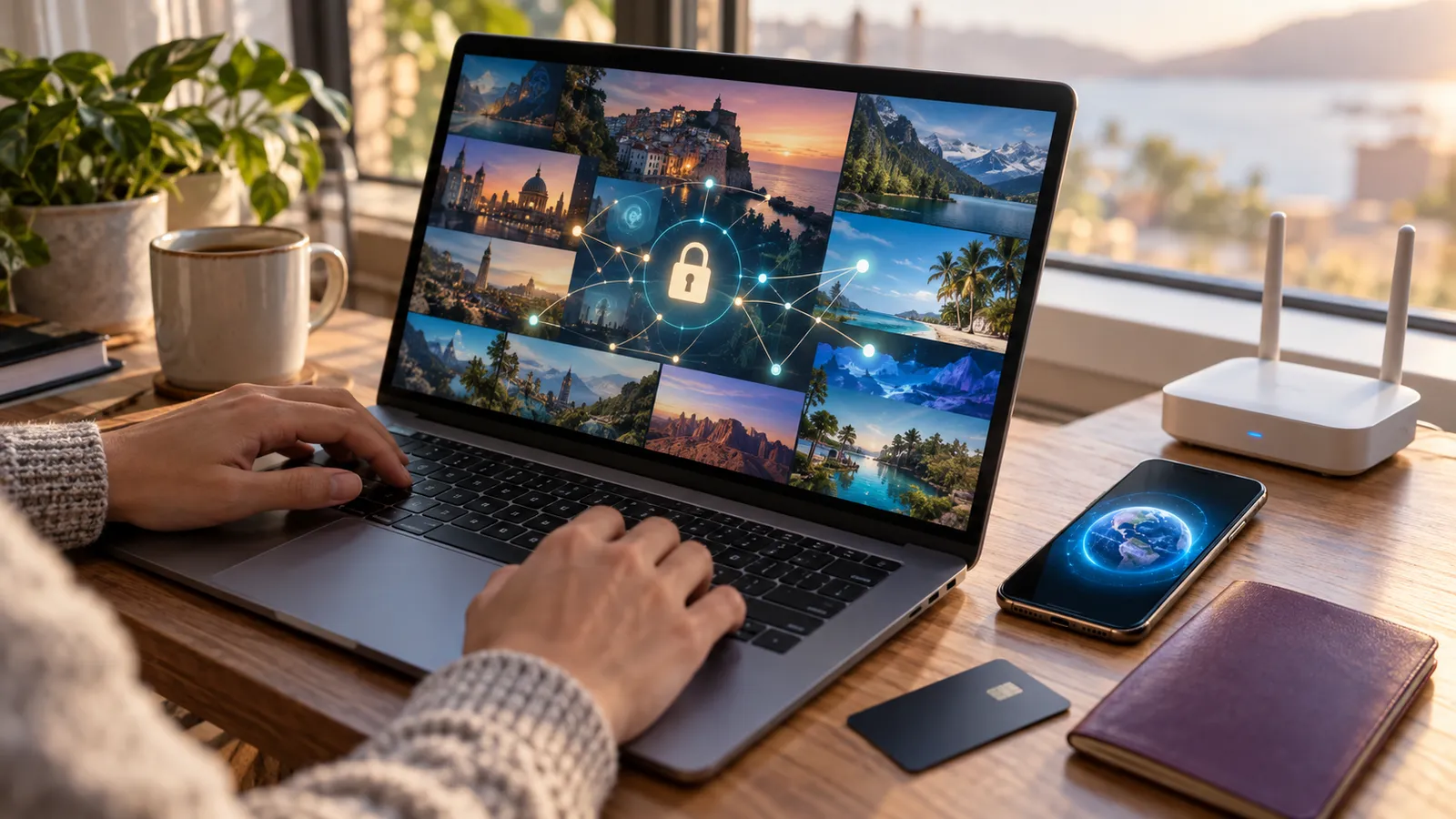
- Install the VPN and choose a country. Connect to a server in the country that has the content you want, such as Japan.
- Reopen Netflix. Close any window that was already open, then start fresh in the app or on the site.
- Check the catalogue. Search for a title you couldn't find before. If it appears, it worked.
Simple as that. The part people trip on is step two, and we'll come back to it in the troubleshooting section.
A word of caution about paying from another country
Paying through another country (often called digital emigration) may breach Netflix's terms of use. That means there's a risk of suspension, even if it's a very small one.
- Tip: Make a separate account with a new email address just for the overseas plan.
- Tip: Paying with a gift card from that country has the highest success rate.
Netflix VPN options compared at a glance
Three VPNs, and the choice can still feel blurry. This table gathers what we've said about each, like lining up two lunch boxes by price and contents at a shop.
| Service | Nickname | Netflix strength | Best for |
|---|---|---|---|
| ExpressVPN | The streaming king | Swaps to a new IP quickly if one is blocked, keeps 4K buffering low | People who put picture quality and stability first |
| NordVPN | Best value for streaming | Works with Netflix, Disney+ and Amazon Prime, has a smart TV app | People who watch several services on a TV |
| Surfshark | Choice for a whole family | No device limit | Households where everyone watches on their own device |
All three have clear strengths. Watching alone in high quality, ExpressVPN is comfortable. For a family, Surfshark's lack of a device limit is easier on the budget. Prices change with promotions, so check ExpressVPN's current pricing on the official page itself.
Which country's library should you visit?
Once the VPN is on, decide where to go. Every country's Netflix holds different content, a bit like branches of the same supermarket chain stocking slightly different goods.
The US: Hollywood premieres and US series
As noted above, US Netflix gets Hollywood films quickly. If you love US series, this is the first stop.
Japan: anime heaven
Popular anime such as Demon Slayer tend to arrive here first. Anime fans should visit a Japanese server at least once.
Your home country: carry on with shows you watched abroad
On a business trip or holiday, you want a server at home. You can pick up the series you were watching without a break.
The UK: British drama and documentaries
If you like British drama or documentaries, a UK server is a candidate too. Libraries change often, so searching for yourself is the most accurate check.
A server chooser by what you want to watch
| What you want to watch | Suggested server | Note |
|---|---|---|
| New Hollywood films and US series | United States | New releases tend to arrive quickly |
| Japanese anime | Japan | Many popular anime arrive early |
| Home-country drama while abroad | Your home country | Keep watching on trips |
| British drama and documentaries | United Kingdom | Library changes often |
Libraries keep shifting, so nobody can promise a title is definitely in a given country. If you have something in mind, switch servers and search.
When Netflix catches your VPN
"You seem to be using a proxy or VPN." That message is deflating, and since Netflix is good at VPN detection, it comes up. Don't panic. Work through these in order.
Step 1: switch to another server in the same country
Netflix often blocks IP addresses that many people use. Moving to a server in a different city of the same country sometimes fixes it. It's like going to the next branch of a chain when the restaurant is packed.
Step 2: fully close and reopen the app and browser
Remember closing old windows and starting fresh? It matters more than you'd think. Netflix may remember your earlier location.
Step 3: clear the cache and cookies
In a browser, clear the cache and cookies, then connect again. Opening a private window is a simple alternative.
Step 4: if you're on a free VPN, move to a paid one
A cheap free VPN is blocked at once, as said earlier. Free VPN IPs are often already known to Netflix, and in that case changing servers rarely helps.
Quick fix table by symptom
| Symptom | Likely cause | Fix |
|---|---|---|
| "Proxy" error | Blocked VPN IP | Change to another server in the same country |
| Library still shows your home country | The app remembers the old location | Fully close and restart the app |
| Low quality and buffering | Slow server or protocol | Choose a nearer server and a faster protocol |
| Blocked every time | Using a free VPN | Switch to a paid VPN that supports streaming |
Setting up a Netflix VPN on each device
You watch Netflix on a phone, a laptop and a TV. Each connects to a VPN a little differently, so here's a rundown by device.
Smartphones and tablets
- Install the official VPN app from the App Store or Google Play.
- Connect to a server in the country you want.
- Fully close the Netflix app, then open it again.
Skip step three and you may still see your home library. It's like moving house and forgetting to change your parcel address.
Laptops and PCs
On a PC, turn on the VPN app and open Netflix in your browser. If your home library keeps appearing, try a private window. Old records in the browser often get in the way.
Smart TVs
If a service such as NordVPN has a good smart TV app, install it on the TV directly. If you can't put a VPN app on the TV, there are two routes.
- Mirroring: send the screen of a phone or laptop that has the VPN on to the TV.
- Router VPN: set the VPN up on the router so the whole home goes out by the same route.
A router VPN is like putting a security desk at the front of an apartment block. Set it once and every device inside leaves by the same road. It's a little fiddly to configure, so try mirroring first if you're new to this.
When the whole family shares
If the family watches on separate devices, the number of simultaneous connections matters. Surfshark has no device limit, which suits those homes well. One person can watch US Netflix and another Japanese Netflix. See the Surfshark unlimited-device plan
A checklist before you switch country for pricing
The price table is tempting. Before you pay, check a few things. Moving in a hurry means forgetting something every time.
- Read the terms. Paying through another country may breach Netflix's terms.
- Make a separate account. A new email address and an overseas-only account is safer.
- Prepare a payment method. A gift card from that country has the best success rate.
- Watch exchange rates. Figures in the table move with the rate.
- Keep the old account. If your watch history matters, don't cancel straight away.
Pros and cons of digital emigration
| Area | Upside | Downside |
|---|---|---|
| Subscription cost | Some countries are cheaper than home | Changes with the exchange rate |
| Library | Content from other countries is available | Home-only titles can go missing |
| Account | A new account keeps things separate | Small risk of suspension for breaking the terms |
| Payment | A gift card can be used | You need a payment method for that country |
In the end it's a trade between money saved and hassle accepted. Decide carefully, based on your own situation.
Speed tips that protect picture quality
A VPN can slow you down a little, because data takes one extra hop. Think of taking a country road instead of a motorway. A few habits keep the quality loss small.
Pick a nearby country or city
For the same goal, the physically closest server is better. If you're watching the Japanese library from East Asia, a Japanese server tends to be fast. For the US, try several cities and find the quickest.
Use a fast protocol
VPN apps have a protocol setting. A modern protocol cuts the speed loss. If you're not sure, leaving the app on "automatic" is fine.
Cable, and where the router sits
On a TV, wired Ethernet is steadier than WiFi. If you must use WiFi, reduce the obstacles between router and TV. Even one wall weakens the signal quite a bit.
Check Netflix's playback setting
In your Netflix account settings, set data usage to "auto" or "high." If it's low, quality drops no matter what the VPN does. A surprising number of people miss this.
A speed-check routine
- Turn the VPN off and measure your internet speed once.
- Turn it on and measure again.
- If the gap is large, switch to another server or protocol.
- If it's still slow, check Netflix's playback setting and your WiFi.
Netflix VPN scenarios
Here is how it plays out in real life. Pick the one that looks most like you.
Scenario 1: the anime fan with a day job
If one episode after work is your reward, a Japanese server is the answer. Connect the VPN to Japan and reopen Netflix. When shows you couldn't find before appear, it worked.
Scenario 2: the drama fan on a business trip
The series you were watching vanished at your destination. Connect to a home-country server and your usual list comes back. Install the VPN app before you leave, because the app store may be awkward to reach on arrival.
Scenario 3: the student watching the monthly bill
If the monthly fee stings, you might think about digital emigration. Go in knowing the terms risk from the checklist above, and don't forget a separate email for the new account.
Scenario 4: the home where everyone watches on the TV
Living room TV, a child's tablet and a parent's phone. A VPN with no device limit, or a router VPN, is easier, because you don't configure each device.
Scenario 5: the British drama and documentary lover
For a quiet weekend marathon, connect to a UK server and search. You'll find a different list from home. Libraries change often, so save the titles you care about early.
Common mistakes that waste an evening
Most failed attempts come down to a short list of slips. Check yourself against it before you blame the VPN.
- Leaving the app running. If Netflix was open when you connected, it may still hold your old location. Close it completely and start again.
- Staying on the first server. When one server shows the proxy message, don't keep retrying it. Try another city in the same country.
- Trusting a free VPN. Free VPN addresses are often already known to Netflix, so no amount of server hopping helps.
- Forgetting the browser. On a laptop, old cookies can keep showing your home library. A private window is the quickest test.
- Ignoring the playback setting. If data usage is set low in your account, quality stays poor with or without a VPN.
- Promising yourself a title. Libraries change often, so a show you saw last month may have moved.
A short decision table
| Your situation | What to do first | Backup plan |
|---|---|---|
| Proxy error on the first try | Switch to another server in the same country | Clear cache and cookies, then retry |
| Home library still showing | Fully close and reopen the app | Use a private window in a browser |
| Picture looks soft | Pick a nearer server | Check the playback data setting and use a cable on a TV |
| Everything is blocked | Check whether you're on a free VPN | Move to a paid VPN that supports streaming |
| TV has no VPN app | Mirror a phone or laptop that has the VPN on | Set the VPN up on the router |
What a VPN does and doesn't do for Netflix
It helps to be clear about the job a VPN is doing here. It changes the location Netflix sees, and that decides which library you're shown. That's all.
It doesn't change your account, your plan or your payment. If you're billed in one country and connect to a server in another, Netflix still treats the account as belonging to the billing country. That's why the catalogue can look different depending on whether you changed the payment country or only the server.
It also doesn't guarantee a title. Libraries change often, and a show that was there last month may have moved on. If you have a particular series in mind, search for it before you commit to a long plan.
| Question | Answer |
|---|---|
| Does a VPN change my subscription price? | No. Price follows the billing country, not the server |
| Does it change which titles I can see? | Yes, the library follows your apparent location |
| Can it guarantee a specific title? | No, libraries change often |
| Does it protect me on a hotel or cafe network? | Yes, it encrypts the connection as well |
That last row is a nice bonus. The VPN you install for streaming also covers you on shared WiFi, which is the same reason it's worth keeping on while you travel.
How to choose between the three in one minute
Think about who is watching and on what. That settles it faster than comparing feature lists.
If you watch alone and care most about 4K and stability, start with ExpressVPN. If your living room TV runs several streaming services, NordVPN's smart TV app saves you the mirroring step. If the whole household watches on different screens at the same time, Surfshark's lack of a device limit keeps things simple.
Whichever you pick, test it the same way. Connect, reopen Netflix, search for a title that isn't in your home library, and run the speed check from the section above. If you want the wider picture, our full 2026 VPN ranking lines the services up against each other, and the streaming VPN guide goes deeper on Netflix and Disney+ blocks.
Frequently Asked Questions (FAQ)
Is it illegal to watch another country's Netflix with a VPN?
Using a VPN is not illegal in itself. Netflix's terms may limit region switching, though, so keep in mind the small risk of account suspension.
Can a free VPN unlock Netflix?
Mostly no. Free VPN addresses are often already known to Netflix, so the proxy error appears immediately. Picture quality and speed also tend to disappoint.
I turned the VPN on but I still see my home library. Why?
Most likely the Netflix app or browser remembers your old location. Fully close the app and start it again. In a browser, clear the cache and cookies or try a private window.
If I pay from another country, do I lose my home content?
Libraries differ by billing country, so some home titles may go missing. In some cases, connecting to a home-country server lets you watch them. Don't cancel your old account right away. Compare, then decide.
Which VPN is best for Netflix?
If picture quality and stability matter most, ExpressVPN. If you watch several services on a TV, NordVPN suits you. If the whole family uses it, Surfshark has no device limit and is easier on the budget. Check each official site for current terms.
Final thoughts: more for the same money
Content has no borders in 2026. You pay the same fee every month, so why only watch one country's library?
With the tips above you can open Netflix libraries around the world, and your living room becomes a cinema for the whole planet.
If you also want to keep your data safe on shared connections, a trusted premium VPN covers streaming, safe overseas payments and public WiFi protection.
Read next:
Get a VPN deal
Pick one of these links to start.
- NordVPN, up to 72% off plus 3 months free
- Surfshark, up to 80% off plus 2 extra months (best value)
- ExpressVPN special offer (top speed)
More to read
Compare other VPNs
Based on current official promotions. Confirm the final terms on each official site.
NordVPN
- Limited-time official deal
- Ends 11/30
Surfshark
- Limited-time official deal
- Ends 12/01
ProtonVPN
- Limited-time official deal
- Ends 11/30