
- Published on
Japan eSIM for Travellers 2026: Saily Review and Setup
- Authors

- Name
- VPN Mall Editorial Team
This article contains affiliate links. If you buy through them, VPN Mall may earn a commission at no extra cost to you, and it does not affect how we evaluate services.
Prices and discounts in this article are as of 2026-10-27. Check the official site for current terms.
Featured service: Saily
Check current prices and discounts on the official site.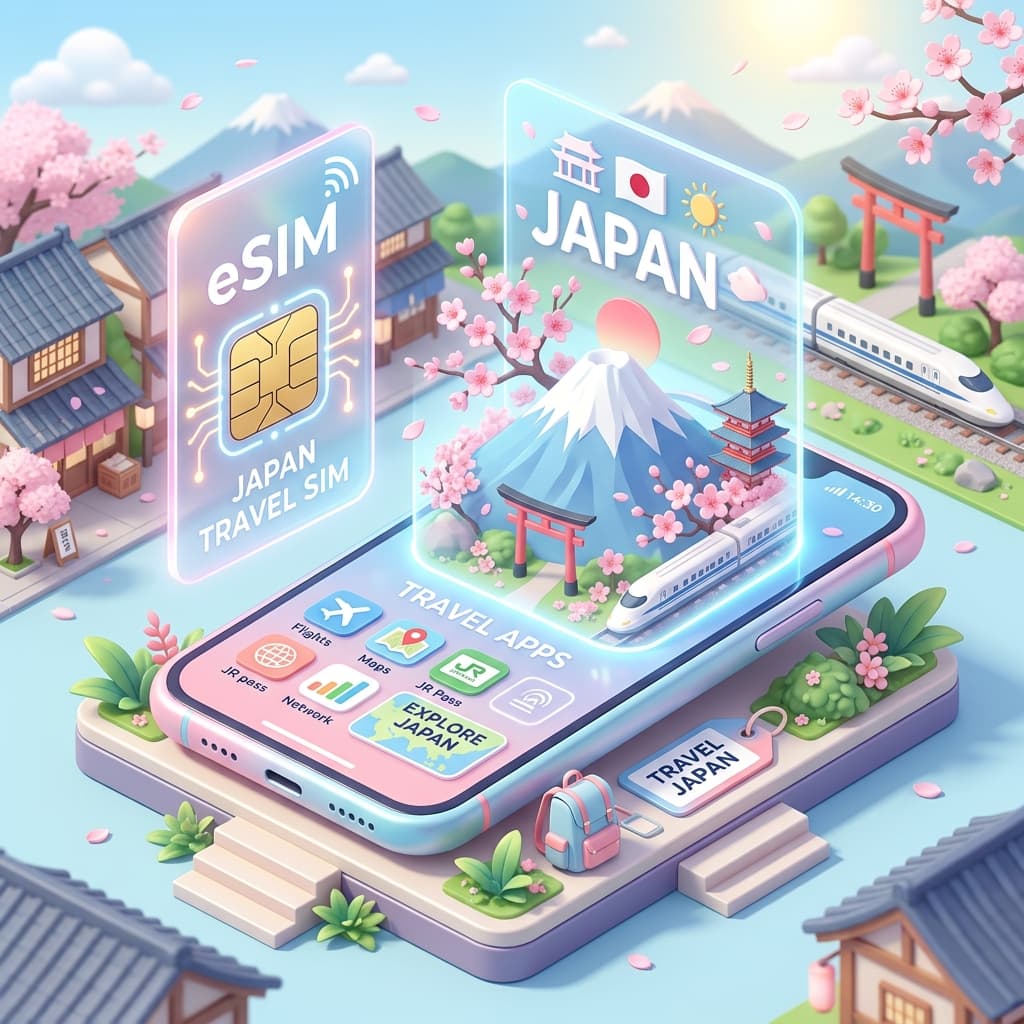
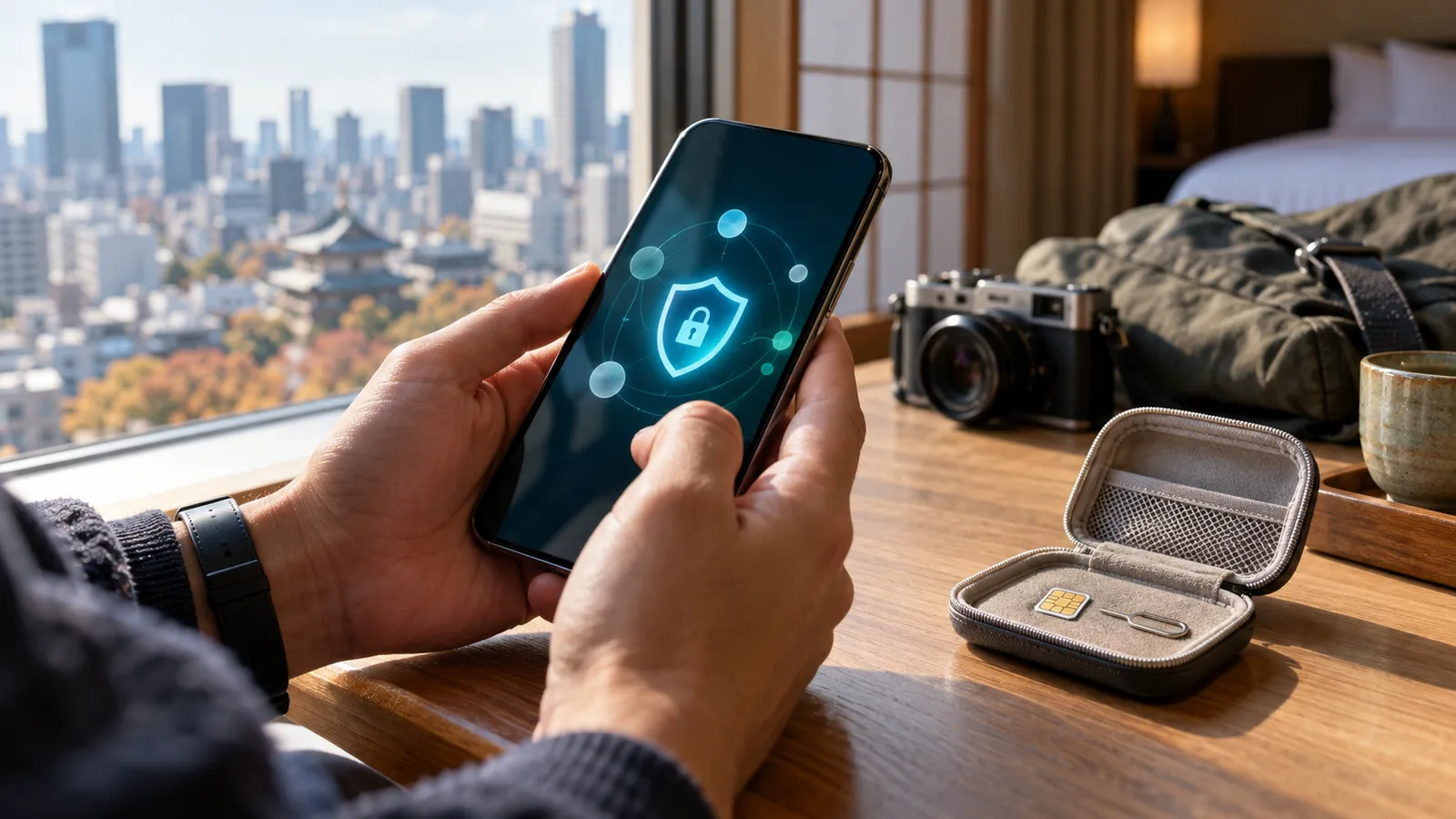
Think back to your last flight to Tokyo or Osaka. If you bought a physical SIM card, you probably spent part of the flight prodding at a tiny tray with a pin, hoping the chip wouldn't drop between the seats. Anyone who has crawled around on a cabin floor looking for a SIM card knows the feeling.
An eSIM removes that whole scene. There's no chip, no tray and no pin. You install a data plan from an app, and when the plane touches down you flip one setting.
This guide covers Saily, the travel eSIM from Nord Security, the company behind NordVPN. You'll find how it behaves in Japan, a pre-trip checklist, a one-minute activation routine, a comparison with roaming and local SIMs, ways to save data, public Wi-Fi safety and a troubleshooting section for the problems that do come up.
If you're still deciding between eSIM options in general, our travel eSIM guide walks through how to choose.
Table of Contents
- How it feels on the ground in Tokyo
- Your Japan data checklist before you fly
- Activate in about a minute after landing
- Step 1: install before you leave
- Step 2: switch the line after arrival
- Step 3: turn on data roaming
- Roaming vs a local SIM vs a Saily eSIM
- Which option suits which trip
- The dual-line trick that keeps your home number alive
- Habits that stretch your data in Japan
- Before you leave
- While you travel
- Use hotel and cafe Wi-Fi sensibly
- Public Wi-Fi in Japan: pair it with a VPN
- Why travel raises the stakes
- Three simple rules
- When apps from home don't work abroad
- If the eSIM won't activate
- Problem 1: no install option appears
- Problem 2: you've landed and there's no internet
- Problem 3: a roaming charge text arrived from home
- Problem 4: your data is shrinking before you leave
- Still stuck
- How a Saily eSIM fits different Japan trips
- A two-night Tokyo weekend
- A week across Osaka and Kyoto
- A family trip
- Apply the discount code before you pay
- Last checks before you buy
- 1. Does the plan length match your trip?
- 2. Have you thought about how much data you need?
- 3. What happens if you run short?
- 4. When does the validity period start?
- 5. Did you enter the discount code?
- Why use a Saily eSIM in Japan
- A realistic first day with an eSIM in Japan
- What to do on the train into town
- Small things that make the trip smoother
- Why this beats doing it on the fly
- Frequently Asked Questions (FAQ)
- How do I know my phone supports a Saily eSIM?
- Can I still receive calls and texts on my home number?
- When should I install the eSIM and when should I switch it on?
- Where does the discount code go?
- More guides to read next
- What to know before choosing a VPN
- Why avoid free VPNs?
- Why does a no-logs policy matter?
- Will a VPN slow my internet?
- Can I share one account with family?
- Recommended VPN offers
How it feels on the ground in Tokyo
Nobody wants a map app that stutters in the middle of Shinjuku. The reviewer behind this guide switched on a Saily eSIM there and tested it directly.
- Speed: The eSIM runs on top-tier Japanese carrier networks, namely Softbank and KDDI, and the experience felt close to a 5G connection back home.
- Stability: At the Shibuya Scramble crossing, one of the most crowded spots in the world, a 4K YouTube video played without breaking up.
- Maps: The Google Maps compass followed each step smoothly in real time, which is a relief for anyone with a poor sense of direction.
Treat that as one traveller's experience on a given day. Speeds change with place, time and how busy the network is, so don't expect identical results everywhere. What matters is the pattern: on a first-tier carrier network, ordinary travel apps behave the way they do at home.
Your Japan data checklist before you fly
A few quick checks before departure will save you trouble after landing.
- Confirm your phone supports eSIM. In general that means iPhone XS or newer, and Galaxy S20 or newer.
- Install the Saily app at home and buy your plan there.
- Enter the discount code
vpnmallat checkout to get 10% off, and check that the price actually dropped. - Just before the flight, switch off data roaming on your home SIM.
That last step is easy to forget, and it's the one that protects you from a surprise roaming bill. We'll come back to it in the troubleshooting section.
Activate in about a minute after landing
You don't need to hunt for a SIM booth at the airport. Here's the routine from the moment the wheels hit the runway.
Step 1: install before you leave
Buy your plan in the Saily app and tap the install eSIM button. That's all there is to the setup. You don't have to scan a QR code.
Step 2: switch the line after arrival
After you land at Narita or Haneda, open Settings > Cellular and change your data line to Saily.
Step 3: turn on data roaming
Switch on data roaming for the Saily line and your phone grabs the 5G network straight away. You can now send the family that arrival message.
Roaming vs a local SIM vs a Saily eSIM
It's fair to ask whether you could just turn on roaming. You can, and it's a valid choice. These three options aren't rivals so much as tools for different situations. Prices change by provider and by time, so the table below leaves them out on purpose.
| Criteria | Carrier roaming | Local physical SIM | Saily eSIM |
|---|---|---|---|
| When you prepare | Apply before departure | After arrival, or buy ahead | Install in the app before departure |
| How you activate | Switch roaming on in settings | Open the tray and swap the chip | Tap 'install eSIM' in the app |
| Risk of losing a chip | None | Yes | None |
| Receiving texts from home | Yes | Hard if you remove your home SIM | Yes, with a dual setup |
| Device limits | Works on most phones | Works on most phones | eSIM-capable phones only |
| Use right after landing | Instant | After you swap the chip | Instant after switching the line |
The rows that matter most are the ones about losing a chip and receiving texts. With an eSIM, the dropped-SIM disaster from the start of this article can't happen. And because your home SIM stays in the phone, verification texts still reach you.
The only condition is that your phone must support eSIM. It's a bit like paying by phone instead of by wallet. It's more convenient, but only if the phone can do it.
Which option suits which trip
| Trip | Best choice | Why |
|---|---|---|
| One-night business trip | Roaming | There's almost nothing to prepare |
| Free-roaming trip around Tokyo or Osaka | Saily eSIM | It connects as soon as you land |
| Phone without eSIM | Local SIM or roaming | You can't install an eSIM |
| Trip with frequent verification texts | Saily eSIM plus home SIM | Your texts keep arriving |
Find the row that matches your trip. For most independent travellers in Japan, an eSIM is the easiest option.
The dual-line trick that keeps your home number alive
This is the biggest practical advantage of an eSIM. You don't have to remove your original SIM.
- Voice line: your home SIM, for verification texts and urgent calls
- Data line: your Saily eSIM, for internet use
With this setup you keep receiving card payment texts and one-time codes while you travel, exactly as you would at home. Banks and apps that send a code to your phone number don't know you've left the country, and you don't need to make arrangements ahead of time.
If you're planning to use a banking app abroad, our guide on using Korean banking apps from overseas explains why a regional IP address matters and how a VPN helps.
Habits that stretch your data in Japan
You need data for the whole trip. Small habit changes shrink how much you burn through. It's like switching off lights you aren't using at home.
Before you leave
- Offline maps: Download the Google Maps area for Tokyo or Osaka in advance.
- Translation packs: Grab the offline Japanese language pack so you're covered.
- Videos: Download anything you plan to watch on the plane or in your room over home Wi-Fi.
- Booking screenshots: Save your hotel and transport confirmations as images.
While you travel
- Photo backup on Wi-Fi only: Cellular backup can drain data in no time.
- Switch off auto-download in messengers: Stop group chat videos from downloading by themselves.
- Lower video quality: 4K played well at Shibuya, but high quality eats data.
- Turn off automatic app updates: A large update mid-trip is a waste.
Use hotel and cafe Wi-Fi sensibly
Many convenience stores and cafes in Japan offer Wi-Fi. Upload big files over your hotel connection to save your eSIM allowance. Remember, though, that public Wi-Fi is a shared network, which is the subject of the next section.
Public Wi-Fi in Japan: pair it with a VPN
On a trip you'll hop onto airport, hotel and cafe Wi-Fi regularly. Public Wi-Fi is like a payphone booth. Anyone can use it, and anyone nearby can try to listen in.
Why travel raises the stakes
You make more card payments, booking confirmations and logins than usual. And in an unfamiliar place you rarely know who runs the network. It's smarter to add a layer of protection than to trust it completely.
Three simple rules
- Do important things on eSIM data. Card payments and banking are better done over Saily data than public Wi-Fi.
- Turn on a VPN on public Wi-Fi. Your traffic is encrypted, which gives you much more peace of mind.
- Be extra careful with open networks. A network with no password might be a fake with a similar name.
Saily is a Nord Security product, the same company that makes NordVPN, so many travellers pair the two. If you want a travel VPN as well, you can see NordVPN's current offers.
When apps from home don't work abroad
Some services block access from outside their home country. Connecting a VPN to a server in that country often lets you use them as usual, so you can use your usual apps while you travel.
If the eSIM won't activate
Most eSIMs go live in about a minute, but now and then you'll hit a snag. Check the points below in order and you'll usually sort it out.
Problem 1: no install option appears
Your phone may not support eSIM. Check the model against the checklist above: iPhone XS or newer, Galaxy S20 or newer.
If your model is supported and it still fails, your phone may be carrier locked. Phones with an unpaid instalment plan can be locked. Ask your carrier to unlock it before you fly.
Problem 2: you've landed and there's no internet
The most common cause is a data line setting. Check that your cellular data line is set to Saily in Settings > Cellular. Then make sure data roaming is on for the Saily line.
If both are correct, switch airplane mode on and off. If that fails, restart the phone, which fixes most cases. It's the same logic as switching a computer off and on again when it freezes.
Problem 3: a roaming charge text arrived from home
That happens when data roaming on your home SIM was left on. Remember checklist item four: switch it off. The clean setup is the home SIM for voice and the Saily line for data.
Problem 4: your data is shrinking before you leave
Depending on the plan, the validity period can start the moment you install. When you buy, check whether it says it starts on install or starts after arrival. Install in advance, but turn the line on after you land.
Still stuck
Use the customer support inside the Saily app. You can connect to airport Wi-Fi briefly to ask for help. Keep in mind that it's public Wi-Fi when you do.
How a Saily eSIM fits different Japan trips
The same country can mean very different data habits, depending on your itinerary. Here are three typical styles.
A two-night Tokyo weekend
On a short trip, an uninterrupted connection matters most. Maps, messaging and booking checks are usually enough. Because time is short, finish the install before you fly. As soon as you land, change the line and start moving.
A week across Osaka and Kyoto
Moving between cities means a lot of map and transport apps, and you'll take plenty of photos. Delay photo backup until you're on hotel Wi-Fi to save data. The more you travel between places, the more an offline map acts as insurance.
A family trip
Each device needs its own preparation. Having every person set up their own eSIM is the stable option, while having one person turn on a hotspot costs less. A hotspot drains the battery, though, so bring a power bank. Check in advance that every family member's phone supports eSIM.
If you're travelling around the end of the year, our Saily eSIM travel checklist is a useful companion.
Apply the discount code before you pay
Remember the code vpnmall from the checklist? Codes generally apply only before checkout. Before you tap the pay button, look again at the amount to confirm it changed. For news on other promotions, see our Saily eSIM promotion page.
You can also check Saily plans and supported countries directly.
Last checks before you buy
Run through these five questions before you press pay. It's like opening the fridge before you shop, so you don't buy what you already have.
1. Does the plan length match your trip?
If the trip is five days and the plan is shorter, your last day gets awkward. You'll need your map on the way to the airport on the day you fly home. Choose a plan with a little room to spare.
2. Have you thought about how much data you need?
Someone using only maps and messaging needs less than someone uploading video. Think about the data-saving habits above, too.
3. What happens if you run short?
You might use up your allowance mid-trip. It's reassuring to know in advance whether you can top up in the app. Details change over time, so confirm them in the official Saily app.
4. When does the validity period start?
Check whether it starts on install or on arrival. If you don't know, you could lose days before you even leave.
5. Did you enter the discount code?
Type in vpnmall and check that the amount changed. A small discount still amounts to a coffee on a travel budget.
With those five points covered, there's little left to surprise you when you land in Japan. After that, you can enjoy the itinerary and wander the lanes of Tokyo and Osaka without worrying about data.
Why use a Saily eSIM in Japan
Don't spend your whole trip frustrated by a slow budget SIM just to save a small amount. A service made by the NordVPN family is a reasonable pick.
To sum up, a Saily eSIM offers three things:
- No SIM swapping. You can't drop a chip on the plane.
- Immediate connection after landing. There's no hunt for a SIM booth in the arrivals hall.
- Your home number stays active. Verification and payment texts arrive as usual.
Add a VPN on public Wi-Fi and the security side is covered as well. On your packing list, write down your passport, your charger and your eSIM together.
A realistic first day with an eSIM in Japan
It helps to walk through a normal arrival so nothing feels new when it happens. You leave home with the Saily plan installed but not yet switched on, and your home SIM set to voice and text only. Roaming on that home line is off.
On the plane, you can stay in airplane mode and watch a film you downloaded earlier. When the doors open, turn airplane mode off. Your phone will show your home line searching for a signal, which is fine. Go to the cellular settings, pick Saily as the data line, and make sure data roaming is on for that line only.
Within moments the signal bars should appear. Open your map app and drop a pin on your hotel. Send a short message home. Then head for immigration with your phone already working, instead of joining a queue at a SIM booth.
What to do on the train into town
The train ride from the airport is a good moment for a quick check. Confirm that your map loads, that your messaging app sends, and that the Saily app shows an active plan. If you plan to use a transport app, open it once now so any first-run prompts are out of the way.
This is also a sensible time to check the data counter in the Saily app. Knowing where you start makes it easier to judge your pace over the rest of the trip.
Small things that make the trip smoother
- Name the eSIM line something obvious, like Travel or Saily, so you can pick it quickly in settings.
- Keep your home SIM's voice and text line switched on, so alerts from your bank still come through.
- Screenshot your hotel address in Japanese for taxi drivers.
- Carry a power bank, especially if you plan to share a hotspot.
None of these is a big deal on its own. Together they mean the phone just works, and you spend your attention on the trip.
Why this beats doing it on the fly
The alternative is to sort out connectivity after you land, while tired, carrying bags and following signs in a language you may not read. Every step you complete at home is a step you don't have to take in that state. That's the whole case for an eSIM in one sentence: do the work calmly beforehand, then flip a switch on arrival.
Frequently Asked Questions (FAQ)
How do I know my phone supports a Saily eSIM?
Most iPhones from the XS onward and Galaxy phones from the S20 onward support eSIM. Check your cellular settings for an add-eSIM option. A carrier lock stops it working, so ask your carrier before you travel.
Can I still receive calls and texts on my home number?
Yes. You don't have to remove your home SIM. Keep it as the voice line and set Saily as the data line. Verification texts and card alerts arrive as normal.
When should I install the eSIM and when should I switch it on?
Install it at home ahead of time. In the app, tap the install eSIM button and you're done. Once you've arrived in Japan, change the data line to Saily and turn on data roaming to connect right away.
Where does the discount code go?
Enter vpnmall in the discount code field in the Saily app when you buy a plan. Codes generally apply only before payment, so confirm the final price changed first.
More guides to read next
- Saily eSIM guide 2026: why choose it over roaming and how to install
- Saily eSIM year-end travel checklist 2026
- Saily eSIM promotion 2026: discount code and free data
What to know before choosing a VPN
If you're new to VPNs, or you're choosing between services, the points below cover the basics.
Why avoid free VPNs?
Free VPNs often collect data such as browsing history and IP addresses and sell it to third-party advertisers. The saying that if the product is free, you are the product fits this market well. Free services are also usually slow and capped, which makes them close to unusable.
Why does a no-logs policy matter?
A no-logs policy is a promise that the VPN company doesn't store records of your connections on its servers. Premium providers such as NordVPN and ExpressVPN are audited regularly by major accounting firms such as PwC and Deloitte to show that the promise is real. If privacy matters, choose a no-logs VPN that has been audited.
Will a VPN slow my internet?
Not as much as it used to. Newer protocols such as WireGuard, Lightway and NordLynx have reduced the slowdown to less than 5 to 10 percent of your original speed as of 2026. That's fine for watching in 4K or playing demanding online games.
Can I share one account with family?
Most premium VPNs allow several devices at once.
- Surfshark: unlimited simultaneous connections
- NordVPN: up to 10 devices
- ExpressVPN: up to 8 devices
Your phone, computer and tablet can share one account, along with a living-room smart TV or a parent's device.
Recommended VPN offers
Use a trusted premium VPN to access content, make safer payments abroad and protect yourself on public Wi-Fi.
👉 NordVPN: up to 72% off plus 3 months free
Compare other VPNs
Based on current official promotions. Confirm the final terms on each official site.
NordVPN
- Limited-time official deal
- Ends 11/30
Surfshark
- Limited-time official deal
- Ends 12/01
ExpressVPN
- Limited-time official deal
- Ends 11/03